← Emergency: Blinding Hope in Trouble
Emergency: Blinding Hope in Trouble
published by Admin · updated 2026-09-17 16:50
Written for game build Alpha 4.10.1 · LIVE 12660092. 2 builds since then The mission may have changed.
Steps
-
Accept contract
start Go To Blinding Hope
- → Got to Moraine Asteroid base
-
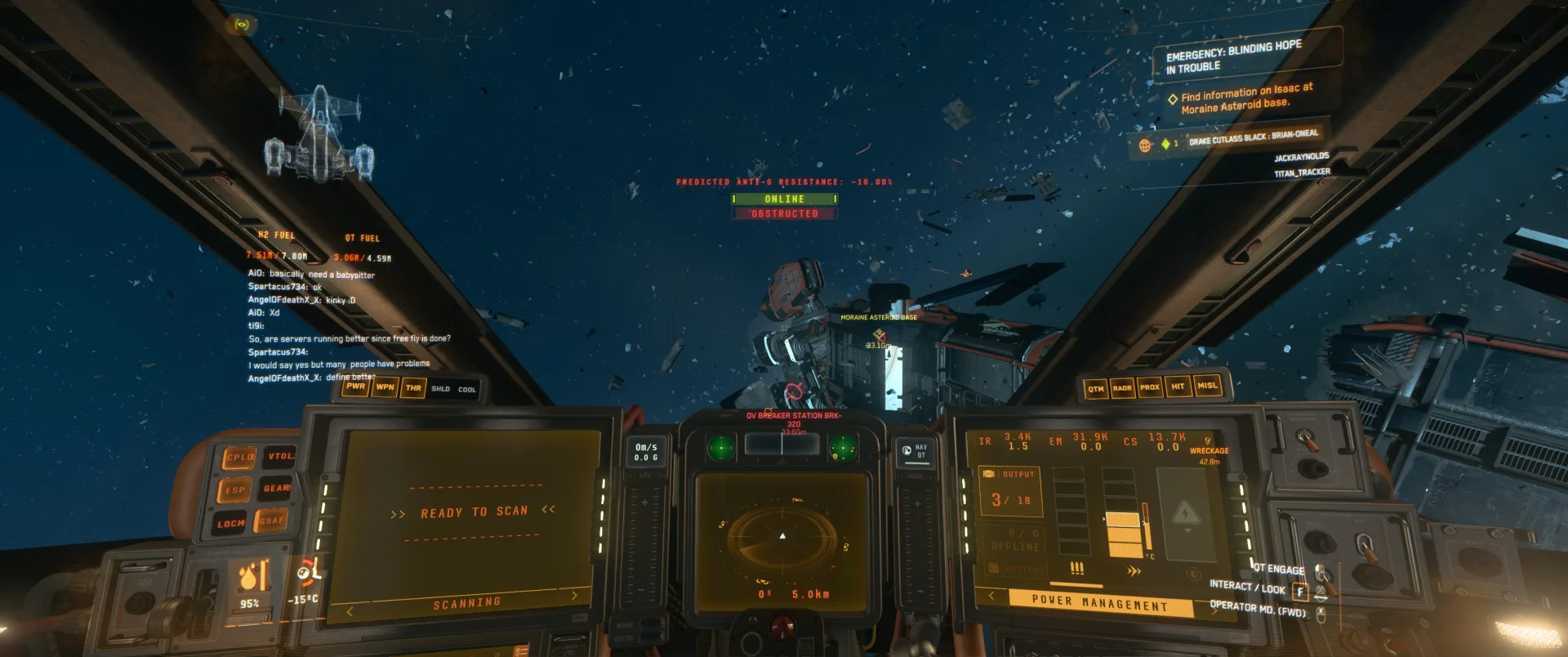
Got to Moraine Asteroid base
step Go To Moraine Asteroid Base
- → Land on the entry landing pad
-
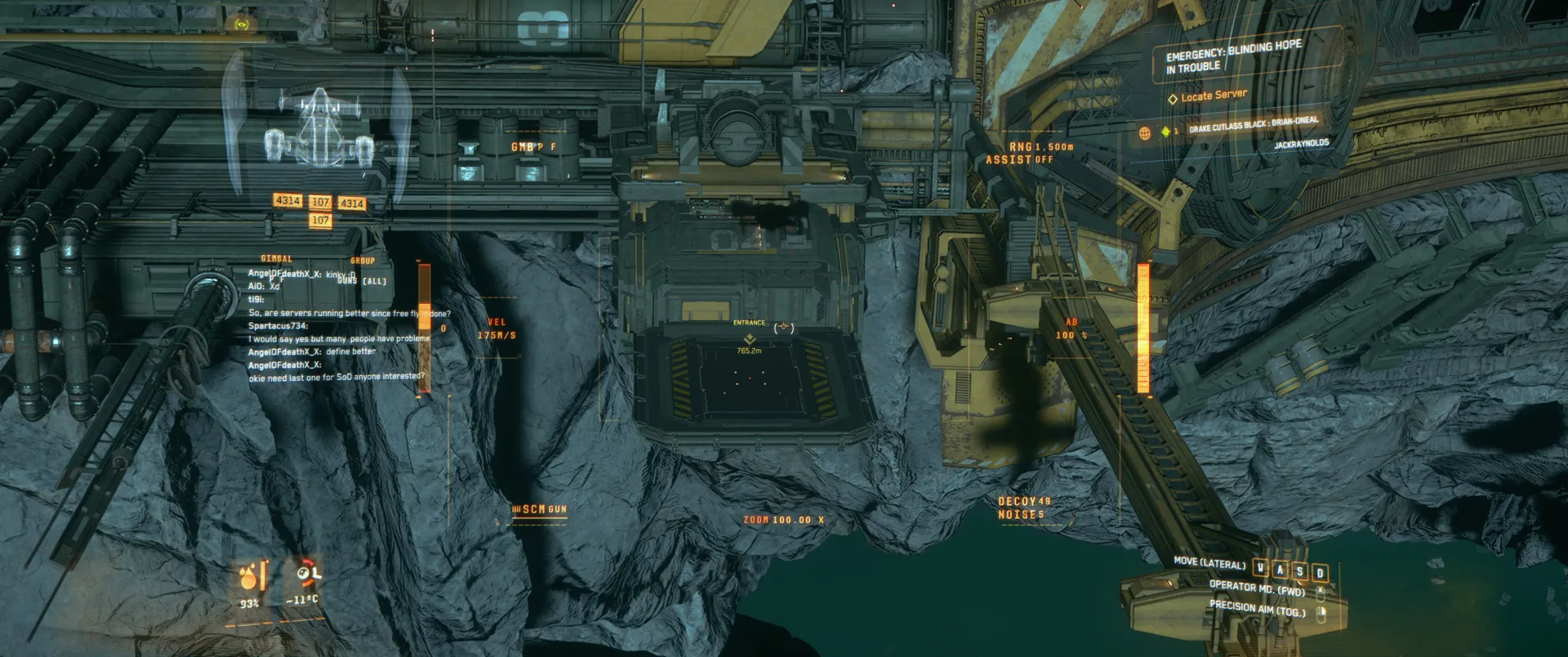
Land on the entry landing pad
step Go To Moraine Asteroid Base
Land on landing pad, call elevator, go down to customs. When you arrive you will be able to draw your weapon.- → Kill all enemies
-
Kill all enemies
step Go To Moraine Asteroid Base
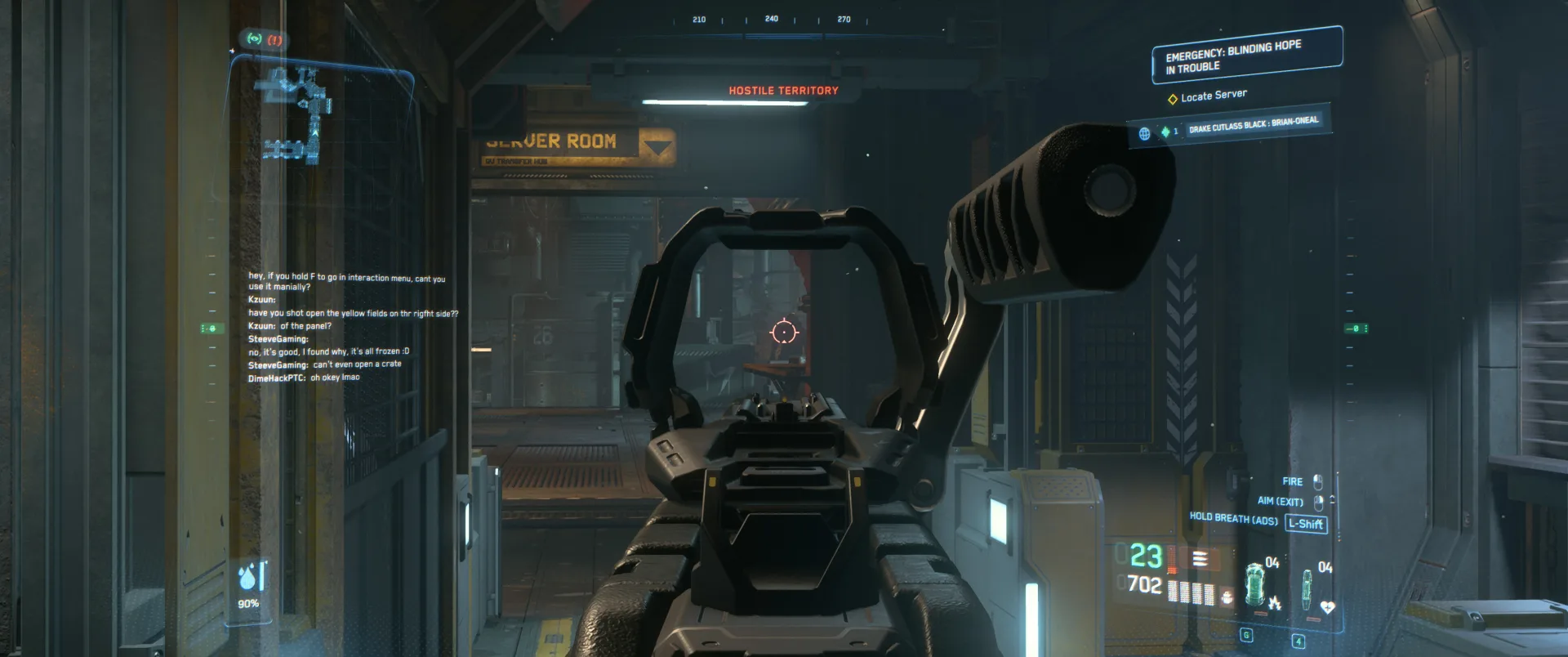
Two are right in the first room, one es to the left, slightly above you, the next one also above hidden behind a box. After you killed the hidden one, the next two are right below you now.- → Go to the right
-
Go to the right
step Go To Moraine Asteroid Base
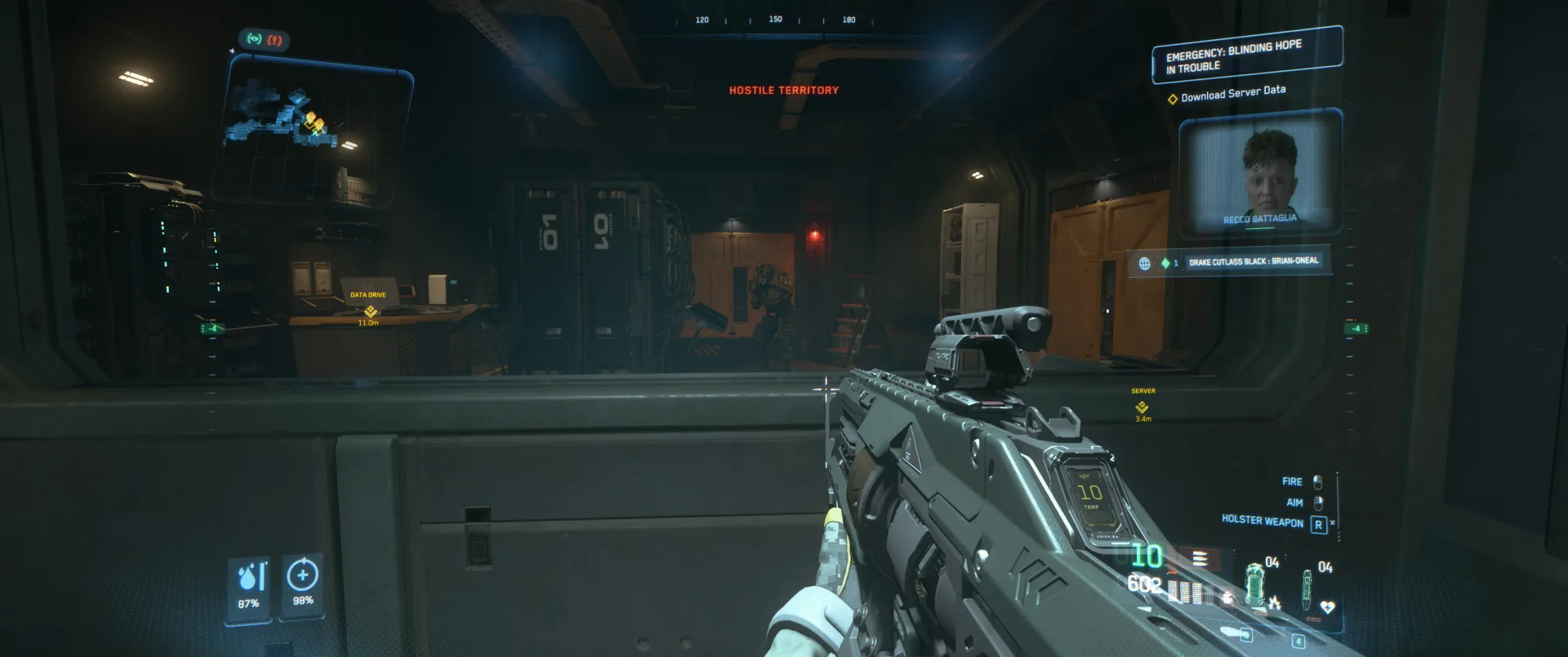
Three more enemies will await you. Kill them and you can see the boss through the window on your left.- → Grab the data drive
-
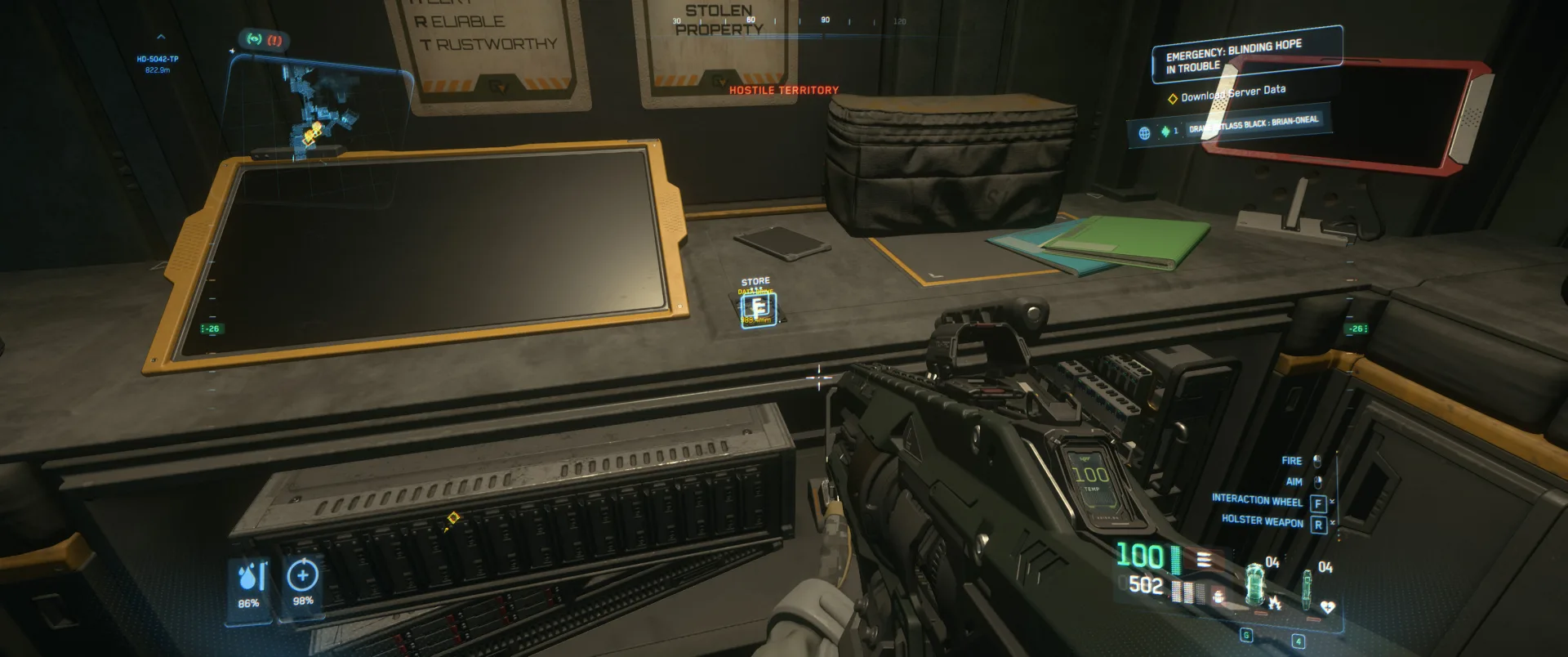
Grab the data drive
step Go To Moraine Asteroid Base
- → Put data drive inside server
-
Put data drive inside server
step Go To Moraine Asteroid Base
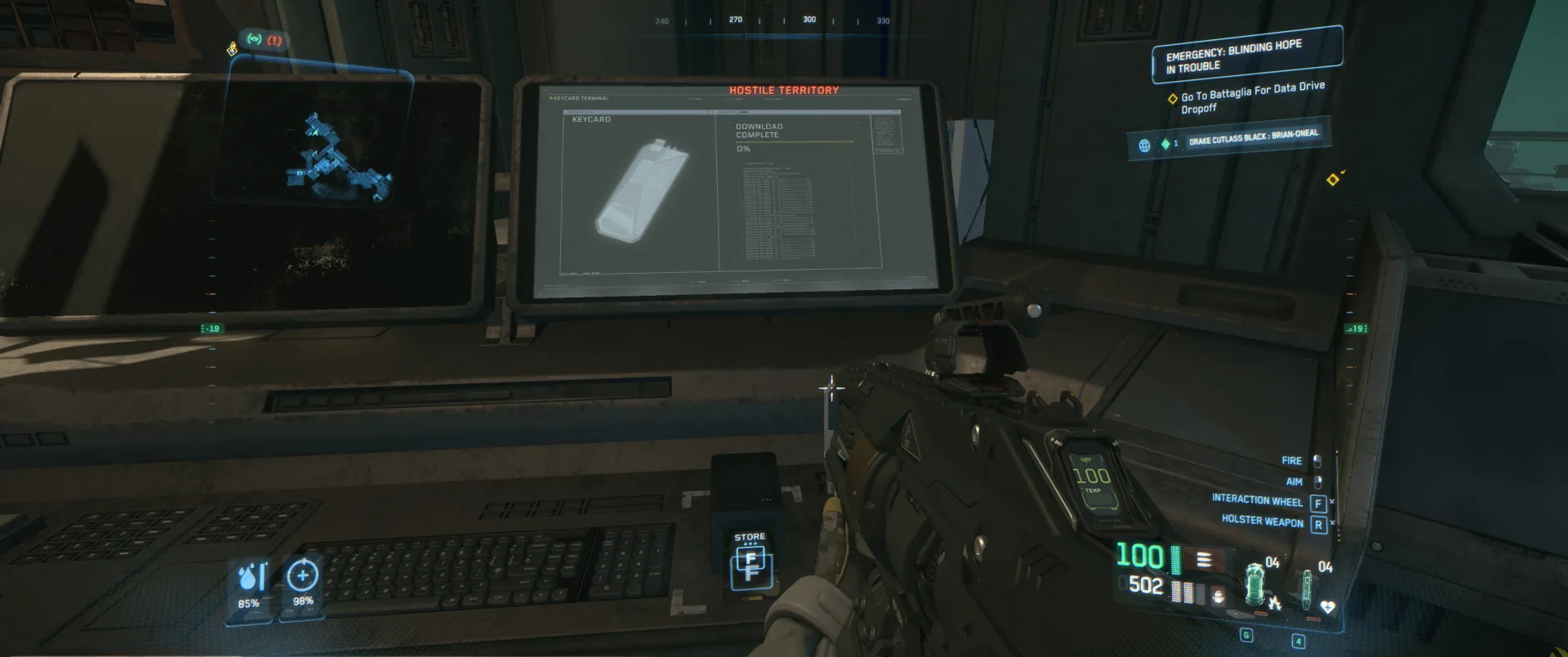
Put data drive inside the slot, download will start. Then grab the data drive and store it.- → Loot
-
Loot
optional
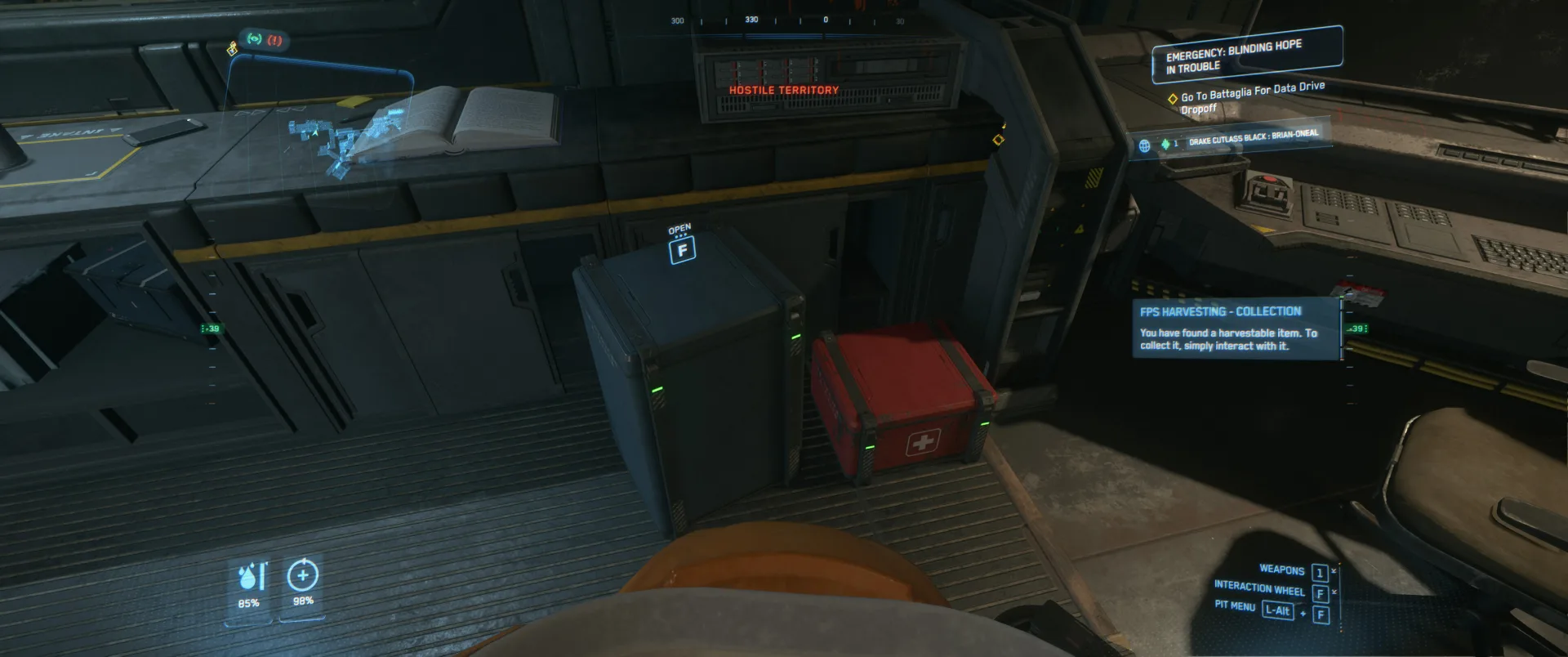
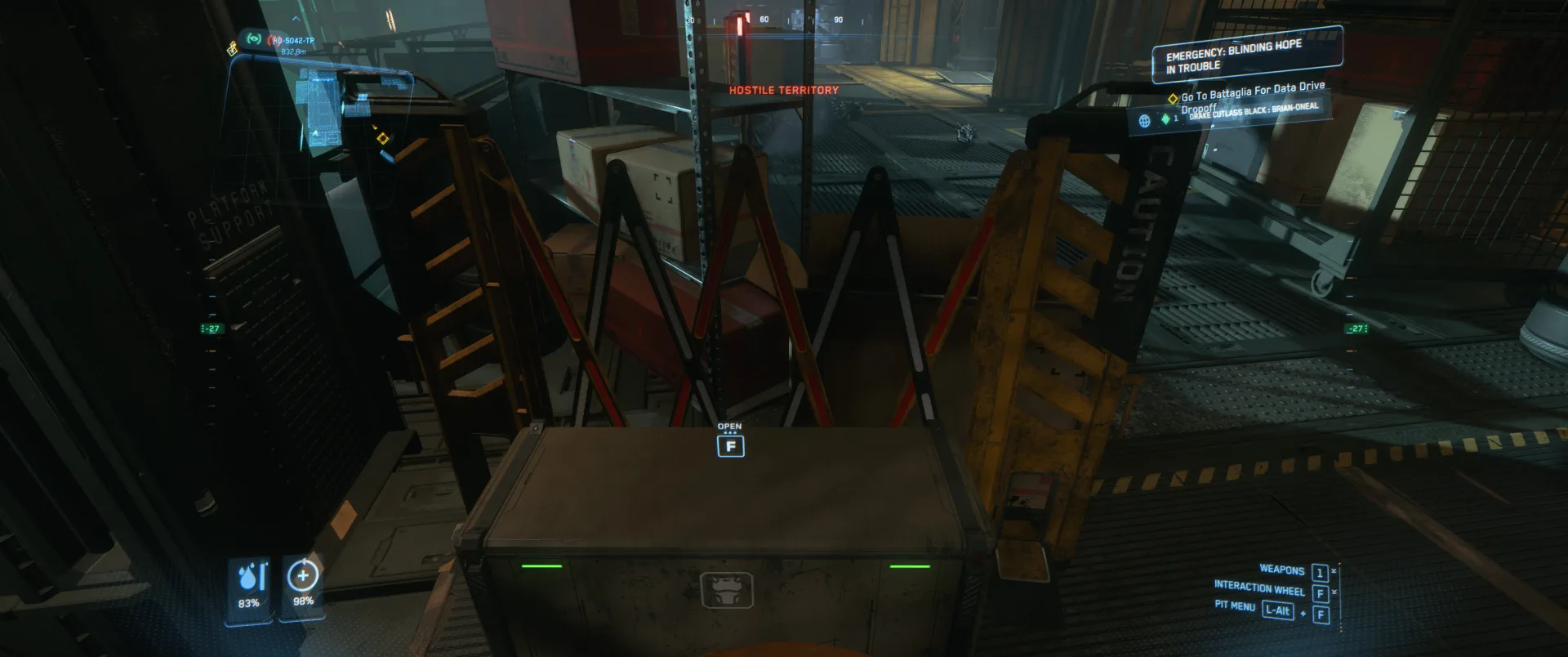
Don't forget to loot the base. There are three big loot boxes with equipment inside. If you want to loot every box, more enemies will await you. If you don't need the loot, proceed to the next step.- → Leave base
-
Leave base
step Go To Battaglia For Data Drive Dropoff
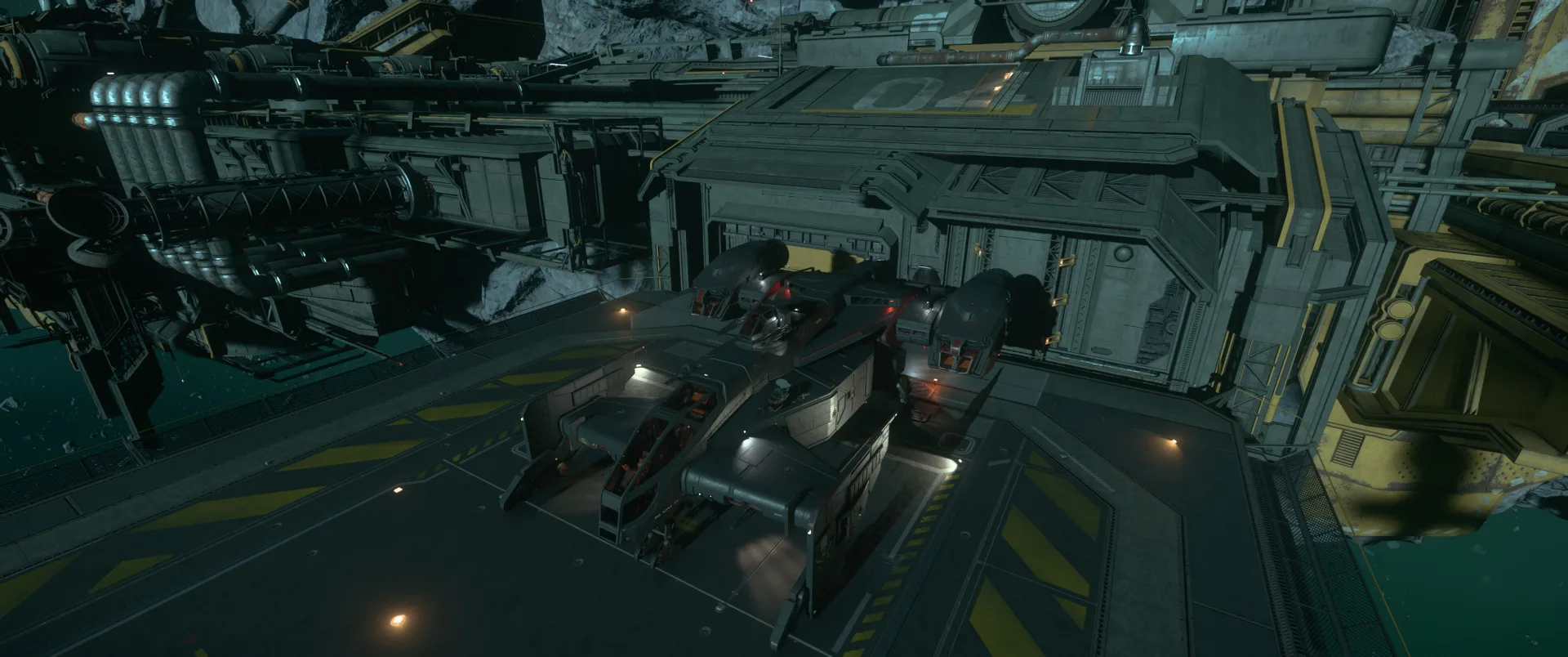
Go back to the elevators, use them to get to the landing pad, enter your ship and leave the base.- → Return to Levski
-
Return to Levski
step Go To Battaglia For Data Drive Dropoff
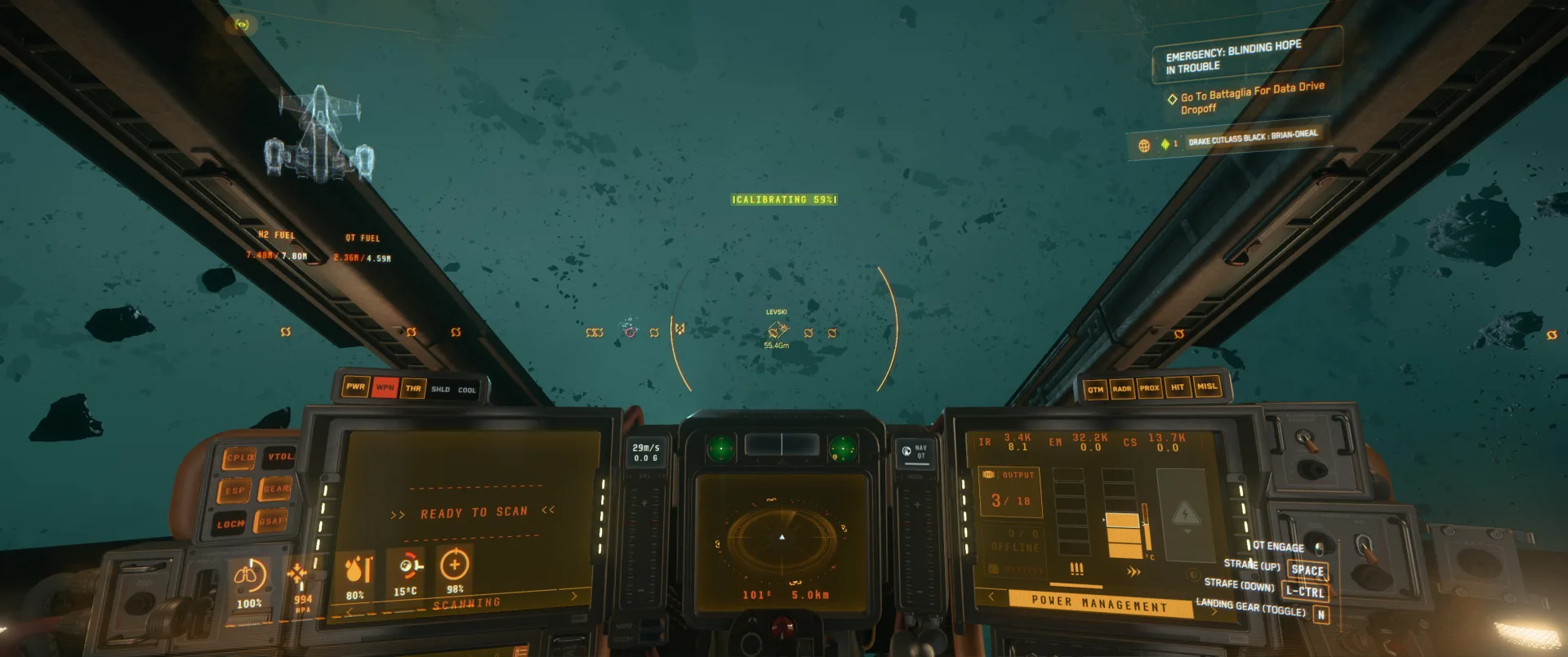
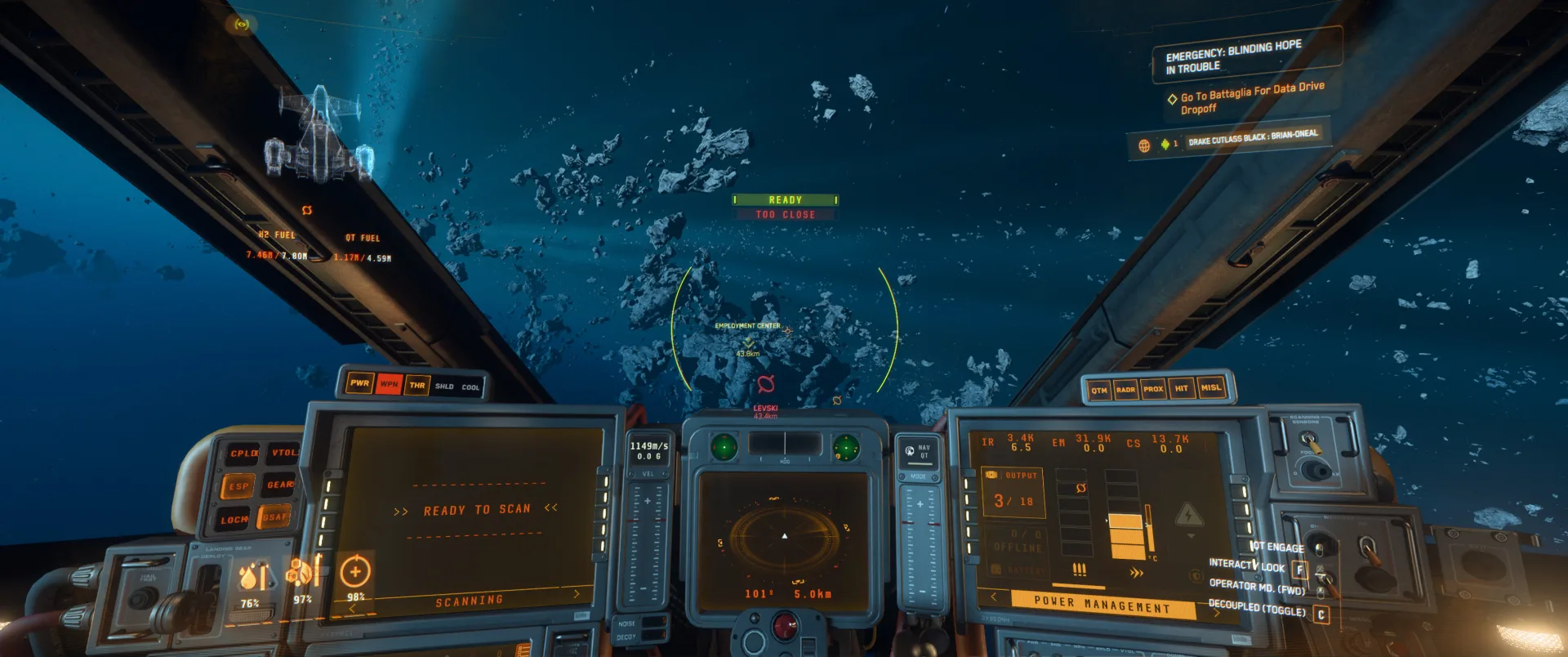
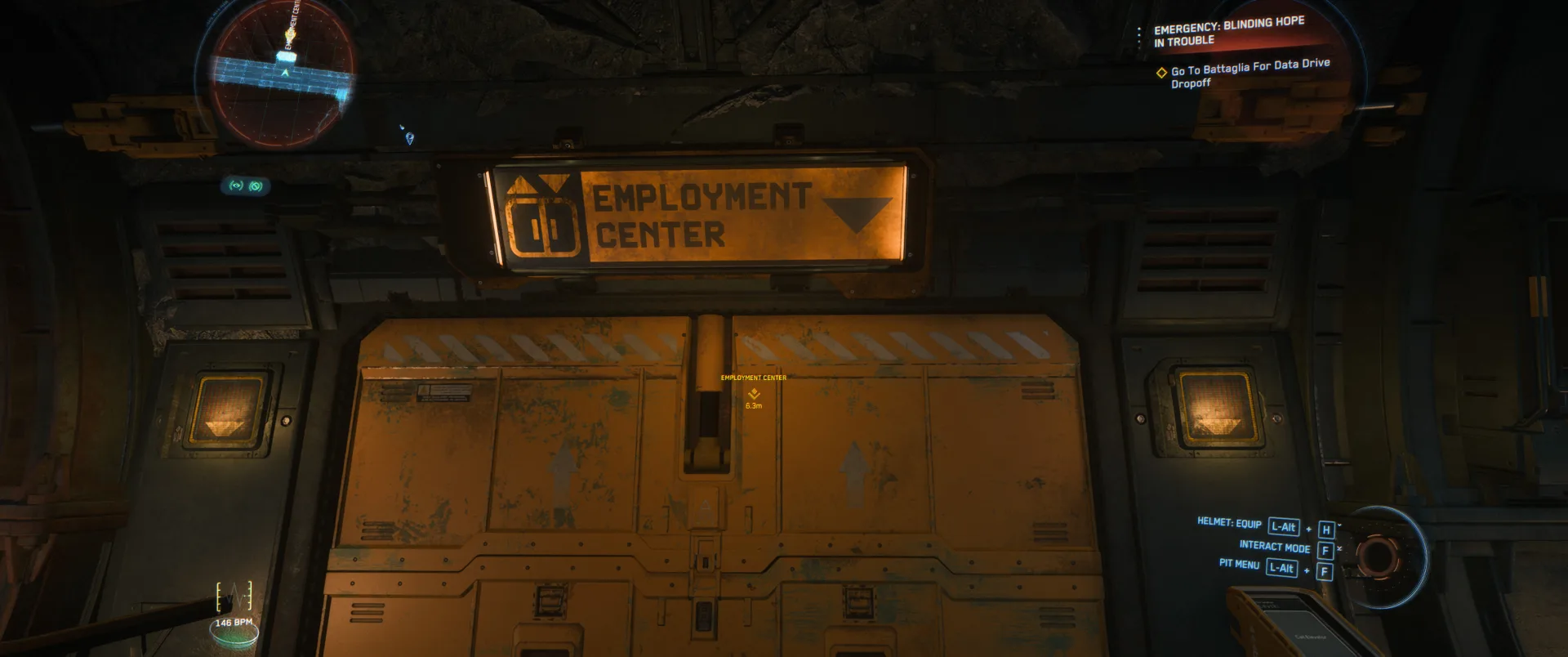
Get your hangar, land, go to customs, enter elevator and leave on floor 2 (Grand Barter), the head left to Employment Center- → Enter Employment Canter
-
Enter Employment Canter
step Go To Battaglia For Data Drive Dropoff
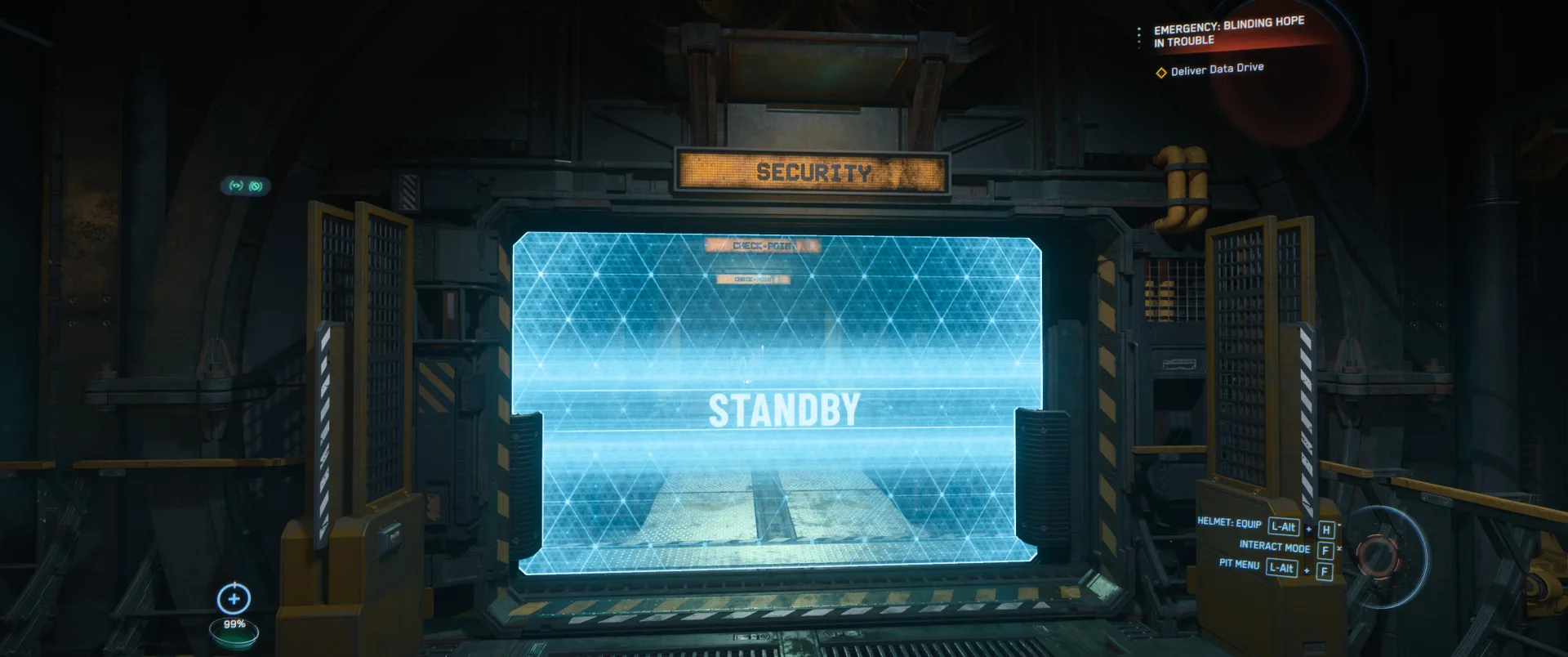
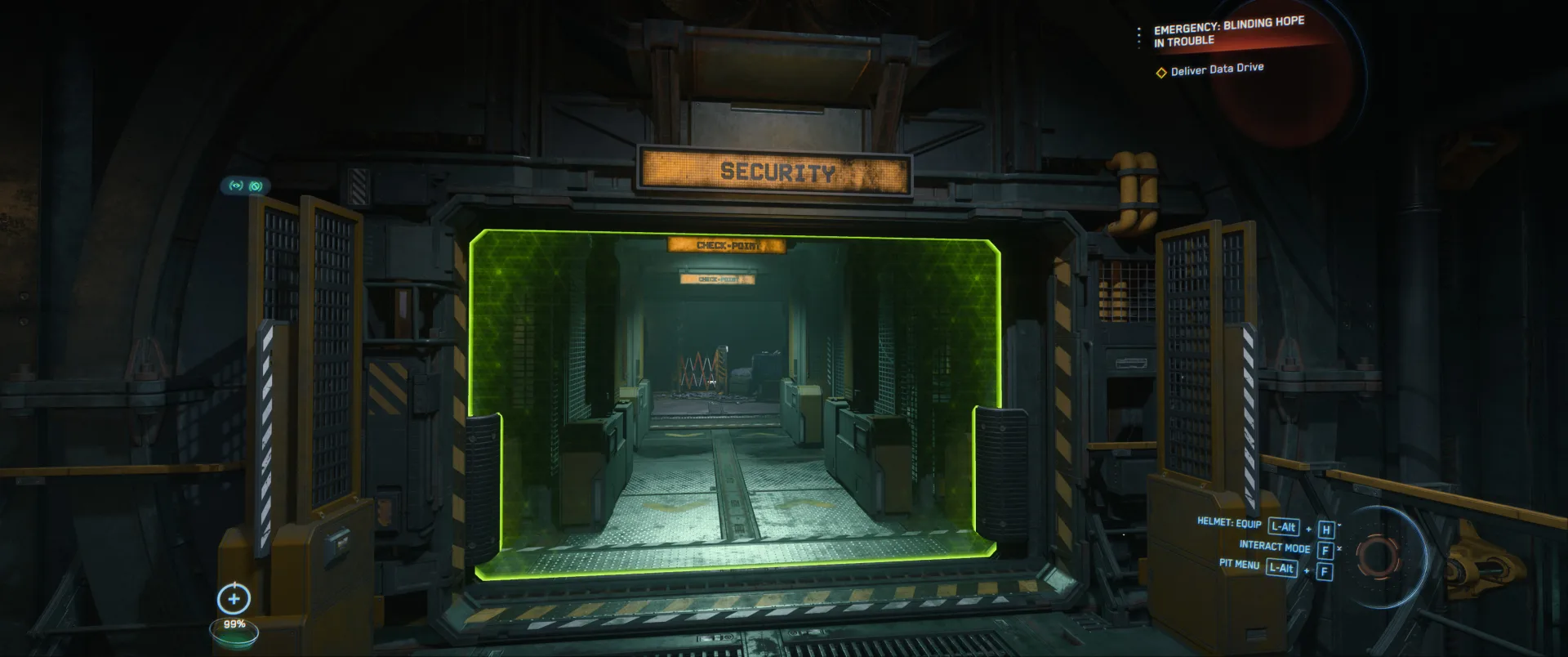
Wait for the instance to get loaded then enter it.- → Deliver data drive
-
Deliver data drive
end Deliver Data Drive
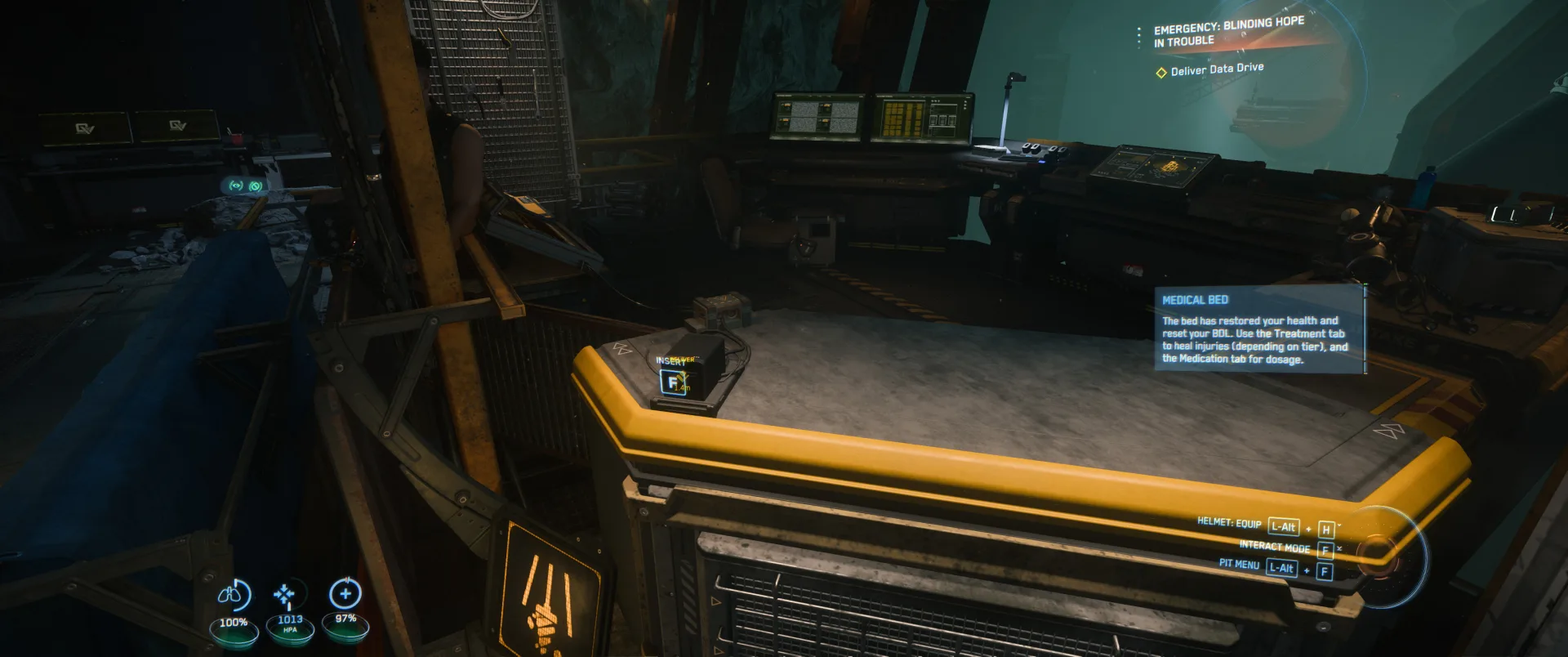
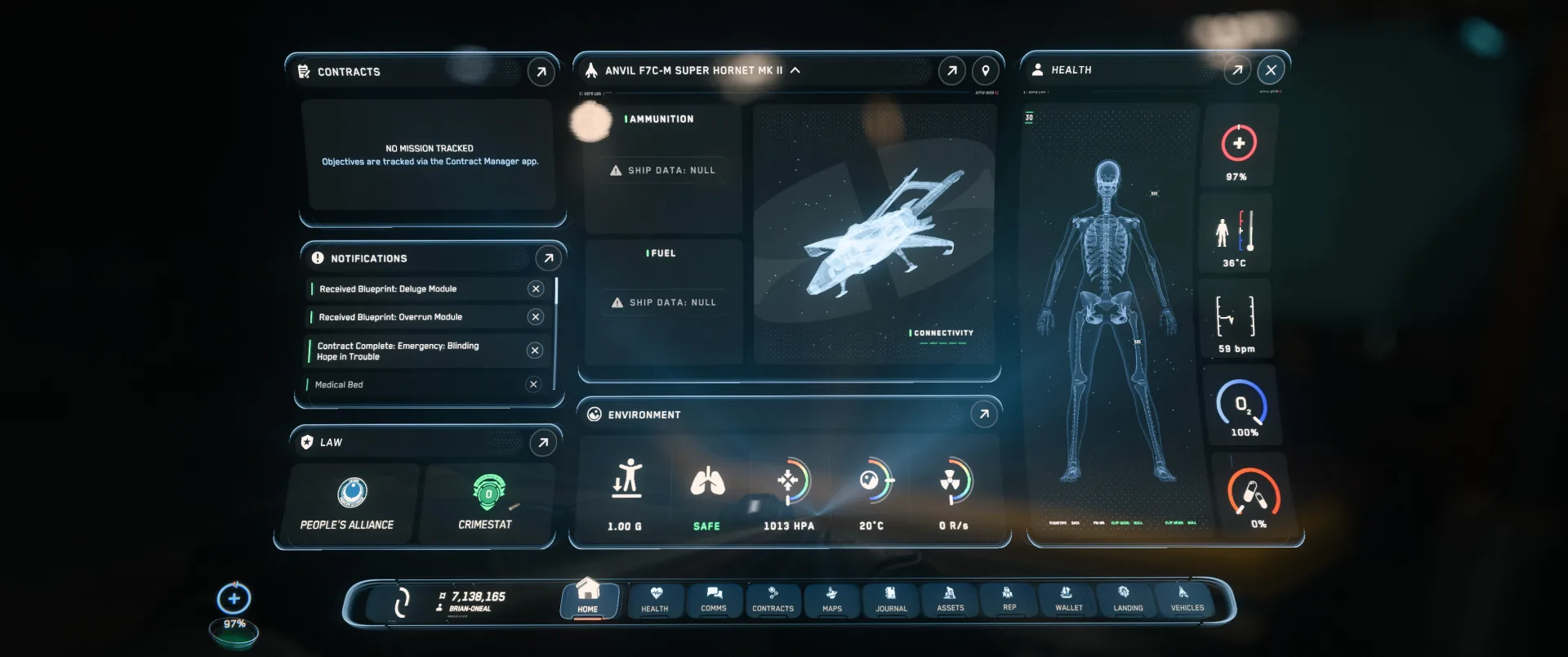
Insert data drive at Reccos desk. Get your blueprint rewards.